
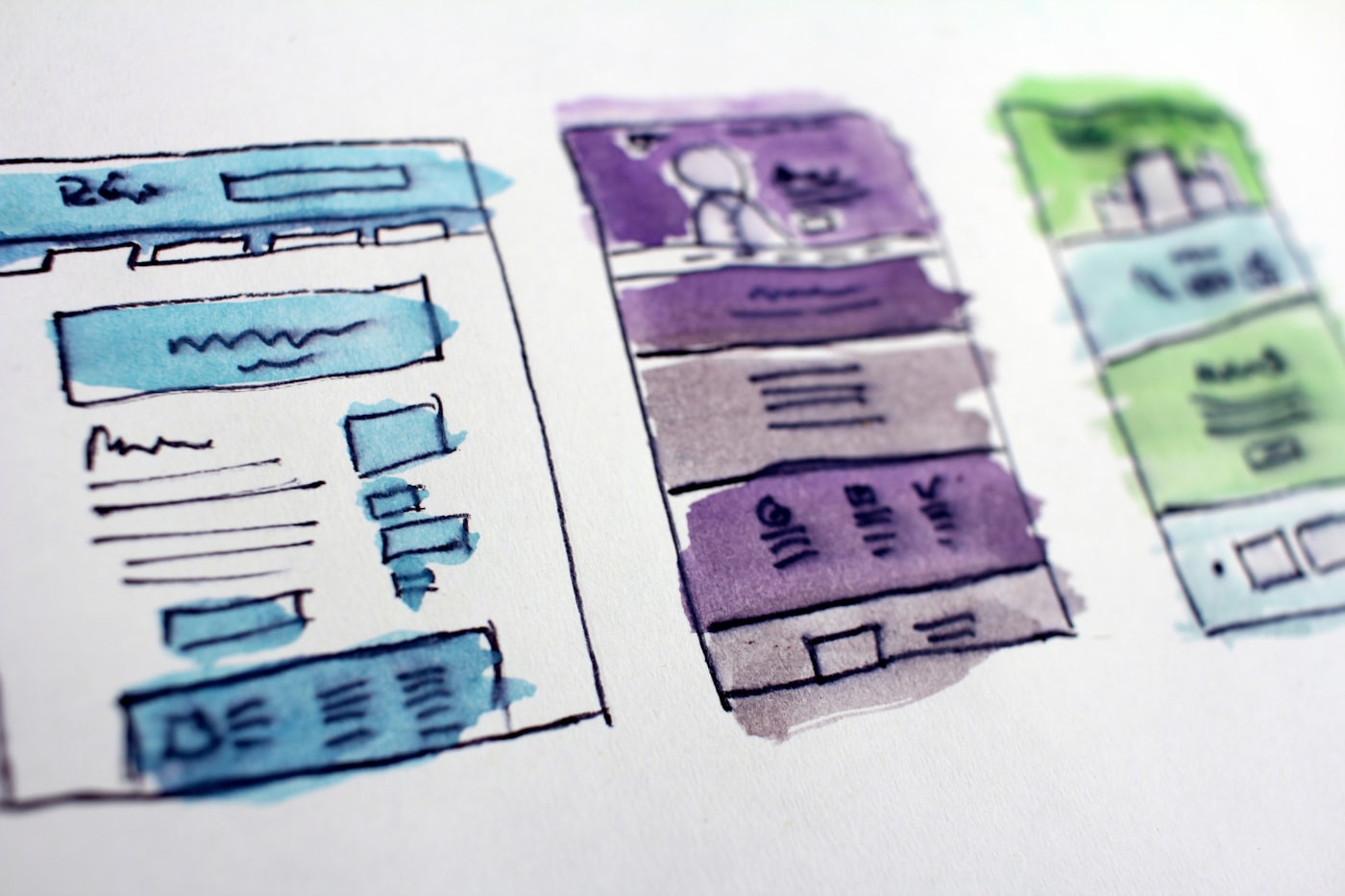

DIGITAL EXPERIENCE · PILLAR 03

BUILD EXPERIENCES THAT MOVE PEOPLE TO ACT.

A growth-first website is one designed around what the business needs it to produce, before anyone decides what it should look like. Every page has a question to answer and an action to prompt. Content is structured so Google and AI systems can understand and cite it. Analytics and the CRM are connected before launch, so every enquiry can be traced to its source. It’s the difference between a website that represents your company and one that works for it.

[01]THE QUESTIONS FIRST

Before we write a line of code, we ask ten questions

Most web projects start with "what pages do you need?" Ours start here. The answers decide the architecture, the content, the design and the technology. If we can’t answer these, we’re not ready to design.

01

Who are you trying to reach?

Not "everyone." The two or three types of buyer who matter most, described specifically enough that we could recognise them.

02

What are they looking for, and how do they phrase it?

The words they type into Google and ask an AI. Usually different from the words you use internally.

03

Why should they trust you over the alternatives?

The proof you have, the proof you’re missing, and where on the site each piece needs to appear.

04

What questions do they need answered before they’ll act?

Buyers arrive with a list. A site that answers it in order converts. A site that makes them hunt loses them.

05

How will they find you through Google, AI search and people they already trust?

Three channels, three sets of requirements for how content is structured.

06

What should they do when they arrive?

One primary action per page. If you can’t name it, the page doesn’t have a job.

07

How does that action connect to your marketing and sales process?

What happens in the sixty seconds after someone submits a form. Who’s notified, what’s recorded, what’s sent.

08

What data should the system capture, and who will use it?

If nobody will look at it, don’t capture it. If someone will, design the dashboard before the site.

09

Where can AI improve the experience or the operation?

Conversational search, personalisation, first-response, content operations. Or nowhere yet. Either is a valid answer.

10

How will we know if any of this produced revenue?

The measurement plan, agreed before design, so the site launches with the answer already wired in.

[02]AI-READABLE

What makes a website AI-readable?

An AI-readable website is one that AI systems can crawl, understand, trust and cite accurately when answering a buyer’s question. Half of B2B buyers now start research in an AI chatbot (G2, 2026), and those systems assemble their answers partly from what they can parse on your site. A website they can’t read is a website that doesn’t exist in that conversation.

Most sites built before 2024 fail this test, not through neglect, but because nobody was designing for it. The fixes are specific and mostly structural.

FIG. 01 / THE SECOND READER ARRIVES FIRST
CriterionWhy it mattersCommon failure
Clear entity definitionAI systems need to know what you are, what you do and who you serve, stated plainlyHomepage opens with a slogan; nowhere states the business in one sentence
Direct answers near the top of pagesAI systems extract self-contained passages that answer a questionKey information buried after three paragraphs of preamble
Question-style headingsMatches how buyers prompt AI systemsHeadings are clever rather than clear
Self-contained paragraphsA paragraph should make sense lifted out of contextParagraphs depend on what came before
Statistics with named sourcesClaims with sources get cited; claims without get ignored"Industry-leading," "trusted by hundreds"
Structured data (schema)Tells machines explicitly what’s on the pageMissing, outdated, or only on the homepage
FAQ sections with short answersHighly extractable formatFAQ answers run to 200 words or link elsewhere
Tables and comparisonsAmong the most-cited content formatsComparisons rendered as images or not at all
Crawlable contentIf it needs JavaScript to render, some AI crawlers never see itHeavy client-side rendering, content behind interactions
Crawl permissionsAI crawlers blocked by default in some platforms and CDNsrobots.txt or firewall rules nobody’s reviewed since 2023
Consistency with the rest of the webAI cross-checks your site against reviews, directories and listingsDifferent names, descriptions or claims in different places
Speed and accessibilitySignals of quality that both Google and AI systems useCore Web Vitals failing; images without alt text

We build to this from the start. Retrofitting it onto a site that was designed without it usually costs more than doing it right the first time.

[03]CONVERSION ARCHITECTURE

Every page has a job

A sitemap is a list of pages. A conversion architecture is a map of journeys: how each type of visitor moves from arriving to acting, what they need to see along the way, and where they’re likely to leave.

We design the journeys first. For each buyer type: where they land (which depends on how they found you), what they need answered first, what proof they need before they’ll trust you, what action fits their stage, and what happens after they take it. Then we design the pages those journeys need, and only those.

This is why our sites tend to have fewer pages and more purpose. A services page that answers the six questions buyers actually ask outperforms six thin pages that each answer none of them.

Conversion architecture also decides the small things that add up: where calls to action appear and what they say, how forms are designed and how short they can be, what trust signals sit near each decision point, what the thank-you page does, and what the system does in the first minute after a submission.

FIG. 02 / JOURNEYS FIRST, PAGES SECOND
[04]WHAT WE DO

Digital experience work, from strategy to build

FIG. 03 / DESIGNED TO PRODUCE, NOT JUST REPRESENT
01

Website strategy

What the site must produce, for whom, and how it’s measured. Written in stage 02 alongside the brand, marketing and technology strategies. Includes the content architecture, the conversion map and the measurement plan.

02

UX and UI design

User experience designed around the journeys from stage 02. Interface design that expresses the brand and serves the content. We design every template the site needs, mobile first, and we design the states most agencies forget: empty, loading, error, success.

03

Website development

Built on the platform that fits the job. WordPress for content-led sites with teams who’ll edit often. Webflow for marketing sites that need design flexibility with low maintenance. Headless (Sanity, Strapi or Contentful with Next.js) when performance, scale or integration needs justify the complexity. We’ll tell you which and why, and we won’t recommend headless to a business that needs a brochure.

04

Ecommerce

Shopify for most D2C and B2C stores; WooCommerce where WordPress is already the foundation; custom builds where catalogue or integration needs demand it. Designed around the buying journey, not the product grid.

05

Landing pages and campaign experiences

Pages built for a single campaign, audience or offer, with one job each. Designed to be tested and replaced. Connected to the CRM so every lead carries its source.

06

Digital products

Customer portals, configurators, calculators, assessment tools, member areas. Anything that turns a visitor into a user. Built with the Technology pillar when they need real backend logic.

07

Content architecture

How content is organised, structured and related, for humans and for machines. Decided before design. Includes the schema plan, the internal linking logic and the rules for how new content gets added without breaking the structure.

08

Conversion optimisation

Ongoing after launch. Testing pages, forms, calls to action and trust signals against real behaviour from GA4, Clarity and Hotjar, and real outcomes from the CRM.

09

Analytics and measurement

GA4, Google Tag Manager, Search Console and Looker Studio dashboards, set up before launch and designed around the questions the business will ask, not around what the tools show by default.

10

AI-ready builds

Everything in the AI-readable checklist, built in. Plus, where it helps: on-site conversational search, AI-assisted personalisation, and the content and data structure that lets AI agents work with the site later.

[05]BUILD STANDARDS

What every site we build meets

01

Performance

Core Web Vitals in the "good" range on mobile and desktop at launch, measured with real-user data after.

02

Accessibility

WCAG 2.1 AA. Keyboard navigable, screen-reader tested, sufficient contrast, proper alt text.

03

AI readability

Entity statement, structured data, direct answers, crawlable content, crawl permissions reviewed.

04

SEO foundations

Clean URL structure, proper heading hierarchy, sitemap, canonicalisation, internal linking logic, redirect map from any previous site.

05

Analytics

GA4 and Tag Manager configured with events for every meaningful action. Search Console verified. A dashboard the business will actually read.

06

CRM connection

Every form feeds the CRM (HubSpot, Zoho, Salesforce, Pipedrive or Freshsales) with source attribution. Notifications and first-response automation tested.

07

Security and maintenance

SSL, hardened configuration, regular updates, backups, and a maintenance plan you can take elsewhere.

08

Ownership

You own the code, content, domain, hosting account and every connected platform. Set up in your name from the start.

09

Documentation

How the site works, how to edit it, how to add content without breaking the architecture.

[06]PROOF

Two examples

CASE 01

Global IT services, North American market

SITUATION

A website that described the company but didn’t sell it. Pages built around the org chart rather than the buyer. No connection between the site, the campaigns and the CRM, so nobody knew what the site produced.

WHAT WE DID

Transformed the site as part of a wider marketing rebuild. Content architecture redesigned around the questions North American buyers actually asked. Service pages rewritten to answer, not describe. Conversion paths designed per buyer type. HubSpot connected to every form with source attribution. SEO foundations rebuilt.

WHAT CHANGED

The site became the centre of a system that grew qualified opportunities 2.5× in twelve months, and the first place the leadership team looked to understand what marketing was producing.
CASE 02

This website

SITUATION

A new practice with a clear point of view, no client logos and a need to be understood by both humans and AI systems from day one.

WHAT WE DID

Exactly what’s on this page. Research into how buyers describe the problem and how AI systems describe the category. A content architecture where every page has a defined job and a target set of questions. Entity statements, structured data, FAQs and tables on every page. The AI Growth Assessment built as the primary conversion path, wired to the CRM. Measurement designed before the first page was written.

WHAT CHANGED

You’re reading the result. Ask an AI assistant what Growth Sequences does, and the answer should match this page.

Client names are withheld at their request. Scope and results are available in a discovery call.

[07]SIGNS YOU NEED THIS

Seven signs your website was built backwards

01

It was designed before anyone wrote down what it should produce.

02

The homepage opens with a slogan and nowhere states plainly what the business does and for whom.

03

Your marketing agency’s first recommendation was to redesign it.

04

You can’t trace your last ten enquiries to the page or campaign that produced them.

05

It’s three or more years old and the business has changed since.

06

Ask an AI assistant about your business and it describes you vaguely, wrongly, or not at all.

07

The pages mirror your org chart (Services, Industries, Solutions) rather than your buyers’ questions.

If three or more apply, the assessment will show it in your Digital Experience score.

FIG. 04 / LOOKS FINE. PRODUCES NOTHING.
[08]FAQ

Questions about websites

One designed around what the business needs it to produce, before anyone decides how it looks. Every page has a question to answer and an action to prompt, content is structured for Google and AI systems, and analytics and CRM are connected before launch.

Clear entity definition, direct answers near the top of pages, question-style headings, self-contained paragraphs, sourced statistics, structured data, short FAQs, tables, crawlable content, and consistency with what the rest of the web says about you.

Depends on the business. WordPress for content-heavy sites with active editors. Webflow for marketing sites wanting design flexibility and low maintenance. Shopify for most ecommerce. Headless with Next.js when performance or integration needs justify it. We decide in stage 02, with reasons.

Stages 01 and 02 take four to six weeks. Design three to six. Build four to twelve depending on scope. A typical marketing site is three to five months from first conversation to launch. We’ll give you a real timeline in the Blueprint.

You do. Code, content, design files, domain, hosting and every connected account, all in your name. If we part ways, everything stays with you, documented.

Both. The Understand stage audits what you have. Often the structure needs rebuilding but the brand and some content can stay. Sometimes the reverse. We’ll tell you which.

If the brief defines pages and features without defining what the site should produce, we’ll ask to do stages 01 and 02 first. It adds four to six weeks and usually changes the brief. If you need a spec built as written, we’re probably not the right fit.

It depends on what it needs to do, how much content it needs, which platform fits, and what it connects to. The assessment and discovery call are free, and the Blueprint gives you scoped pricing before you commit.

Ask what the site will produce and how they’ll measure it. Ask who does the marketing research and when. Ask whether AI systems will be able to read it. Ask who owns the code. If the first question is "what pages do you need?", keep looking.

✦ NEXT STEP

Find out what your website is actually producing

The assessment scores your Digital Experience alongside four other dimensions, in 5–7 minutes.